

Most of businesses who move to cloud-based and Xero systems typically move from systems such Sage, Excel and bespoke business systems.
Don’t worry, this blog isn’t another list of all the positives of Xero, it’s add-ons or the cloud. If you’re reading this, it’s likely that you’re already aware of all the benefits these systems offer and are looking to move your business from Sage to this new way of working.
Common reasons for sticking with Sage are:
- The Adviser: Your accountant is not familiar with the substantial benefits Xero inventory control offers your business and is encouraging you to continue using Sage as fits their way of working.
- Time: Changing systems requires time to research options, convert your data and implement the new systems and way of working in your business.
- The Modules: The ERP Sage modules are part of your day-to-day operations; your staff are used to them and “Xero doesn’t have all the modules that Sage has” is a common misunderstanding.
Later in this blog we’ll address the latter because the statement is not incorrect. However, it does show a lack of understanding of what this new generation of cloud business software is and how it works.
Modules vs Add-ons
As a self-contained system, Xero doesn’t have the same modules that Sage has. There’s inventory, payroll, and reporting but the modules aren’t fantastic and aren’t the primary focus of the Xero system. Sage (depending which package you have) has built-in modules covering different ERP needs.
You’re not selling me on this change…
Sage and Xero work on different paradigms: Sage is a closed system containing modules for your operational requirements. As Sage was designed to be a local system, it’s not as open as cloud tools that integrate well. This is why modules have been introduced to solve those general business needs.
The Sage model is like a Swiss army knife; it has a version of every type of tool that you need, but the tool will rarely be optimal for the task required. This results in businesses having to find cunning workarounds, internal process, Excel exports and often expensive bespoke software to fill the gaps.
Xero is an open cloud system that manages your accounting needs very well. It’s fitted with an API that allows other developers to create software to cover every business’ requirement.
Xero’s model is like a tool belt, it comes with the essentials, which are done well, and gives you the option to customise your tools to fit your specific needs. The tools in this metaphor are the Xero add-ons; these aren’t from the Xero system, but from independent developers around the world making versions of popular ERP tools for every business niche and type.
Sage module alternatives in Xero add-ons
Now let’s look at a few popular modules used in Sage and show the cloud alternatives. Sage systems are local, and the features vary depending on which Sage software and version is used in your business.
Inventory/stock management software
For retailers, wholesalers and manufacturing businesses, stock is at the core what you do and is arguably the largest and most important part of your balance sheet.
Each business requires a different way of working and has different features they require from a stock system:
- Batch tracking: For food retailers and manufacturers to help traceability of goods that could be faulty and/or contaminated.
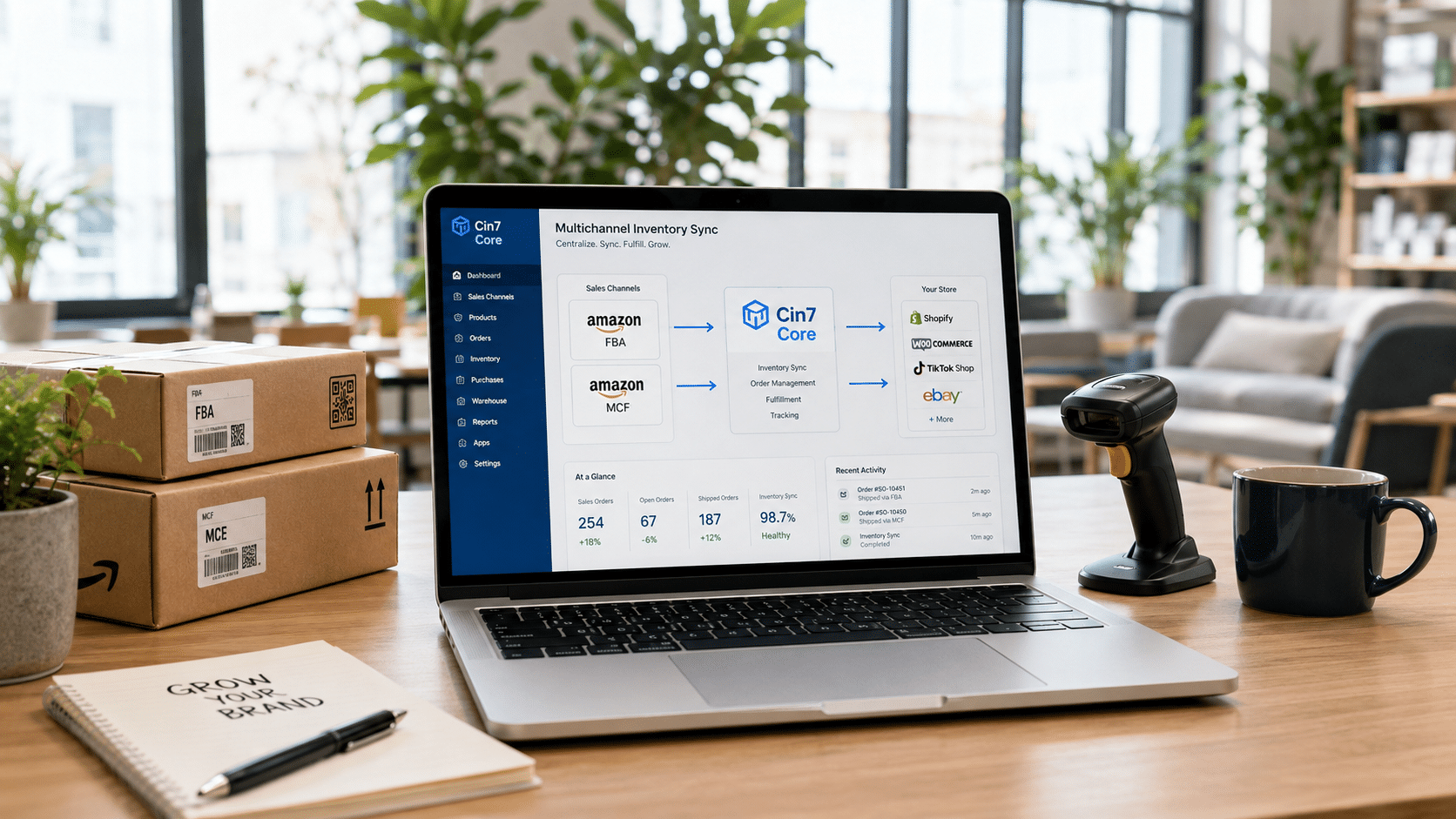
- E-commerce integration: Online retailers often sell across multiple channels and require live feeds of stock levels, and different integrations for orders.
- Automated Purchase Orders: Businesses selling a range of products or looking to reduce admin can use cloud inventory system to automate the POs based on stock levels and forecasts.
- Reporting/forecasting: Customisable reports and complex forecasting tools allow businesses to import and show the data that drives their business.
Customer Relationship Management (CRM)
A client base and contact lists provide value to every business. A good CRM helps you manage relationships, generate leads, and increase brand awareness. All factors that drive future revenues to your business.
CRM systems are the most common systems used as businesses of all types require recording important information for their contacts.
They’re used by different departments for different purposes; for sales to organise prospects and progress leads, marketing use email lists and automated email progression and recording of important information against clients, prospects and suppliers. The add-on community has developed an array of CRMs. From the huge sales department focused systems, to small general CRMs for smaller businesses looking to upgrade from Excel contact lists.
Project Management
Professional services and creative businesses/agencies require project management systems to track costs, project progression and various other aspects along with providing a platform to structure group work and individual staff responsibilities.
There are many different Project Management systems available in the cloud, each of which are aimed at a slightly different niche/way of working, but they all include a few key features.
- Time and cost tracking: Recording time against both individuals and tasks, keeping records of all costs and assigning them to specific jobs allows you to see how profitable a job or even a specific task is.
- Scheduling: Plan jobs, assign tasks to staff, set milestones, track progress from the dashboard, set activities and organise your team to maximise efficiency.
- Group working: Display client emails and documentation, leave notes, track project progression, and easily update team members of new developments.
- Reporting: See live data on projects and clients, customise reports to see what is important to your business and use this real-time information to transform how you work or what you charge.
The future of software for SMEs
This new era of business software for small and medium businesses is a move away from large and expensive systems like Sage or Dynamics that cover a huge amount of different features and business types.
The future of software for SMEs is small, specialised, and inexpensive cloud systems that cover a specific element (CRM, Project management, Stock etc.) for a specific business type. These businesses run multiple systems that all communicate to result in a complete end-to-end system where you can upgrade specific parts as you grow.
Are ready to move away from the Sage “Swiss Army Knife” way of working to the agile Xero “Toolbelt” cloud? Get in touch with the team today, or book a call with us.
Read other blogs